Tagging people in your memories
How to tag travel companions in a photo or video on Galmund, what they receive, and how to publish or remove a tag you got.
Last reviewed: 2026-10-05
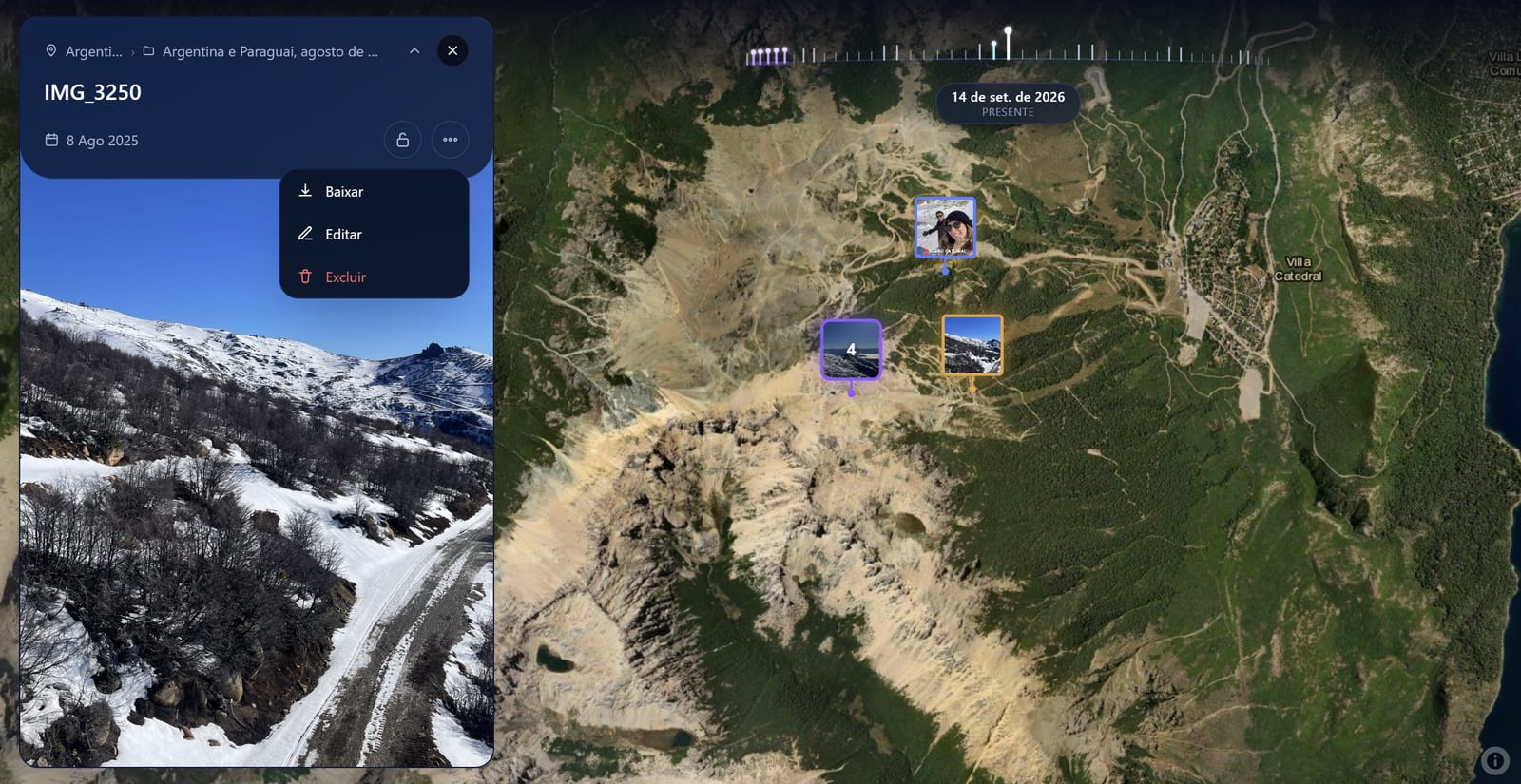
Tag the people who were with you, and the memory can show up on their globe too. Nobody gets anything on their profile without saying yes.
How to tag someone
Open the tag screen from any of these places:
- On a published memory: tap the people next to the description, or open More options (the three dots) and choose Tag people.
- In the memory queue, before publishing: use the people button next to the location. The tags go out when you publish.
- On several memories at once: on a trip's page, select the memories and choose Tag in the selected memories.
On a photo, Galmund looks for faces and marks each one with a dashed box. Tap a box and pick who it is. To tag someone without choosing a face, or in a video, tap + Add person. When you're done, tap Done.
Who you can tag
- Your connections: just search by name.
- Other travelers: if their profile is discoverable, they show up under "Beyond your connections". Tagging them also connects the two of you.
- People not on Galmund: type their email and choose Invite someone who is not on Galmund. They get an invitation to see the memory.
⚠️ Only public memories can be tagged, with up to 20 people per memory. See Public vs private memories.
What the tagged person receives
- If they have an account: an email (at most one a day, in their own language) and a Tags section at the top of their memory queue.
- If they don't: an email inviting them to create an account and see the memory. The tag is linked to that email address, so they should sign up with it.
When someone tags you
The tag waits in your memory queue, under Tags. For each one you can:
- Publish: the memory joins your globe and your profile, and you're connected to whoever tagged you. It counts toward your storage and your plan's limits.
- Duplicate: makes your own independent copy of the memory, with no link to the tag.
- Remove: deletes the tag. Whoever tagged you is not notified.
If your profile is private, publishing asks you to Make public and publish, because a tagged memory is shared with whoever tagged you. If you'd rather keep your profile private, choose Duplicate.
💡 Already published a tagged memory and changed your mind? Delete it from your globe like any other memory. See Deleting a memory.
Frequently asked questions
Can I tag someone who isn't on Galmund?
Yes. Type their email in the search field and send the invite. They get an email with the memory, and once they create an account with that same email, the tag is waiting for them.
Does a tag put the memory on the other person's profile automatically?
No. The memory only joins their globe and profile if they choose Publish. Until then, the tag waits in their memory queue, and they can also remove it.
Why can't I tag anyone in this memory?
Tags only work on public memories, and each memory can have up to 20 people. Make the memory public first. You also can't tag someone who blocked you or whom you blocked.
Does Galmund store face data?
No. Faces are found on your own device just to suggest where to tag, and no face data is saved.
How do I take back a tag I sent?
Before tapping Done, tap the tag and choose Remove tag. After it's sent, you can't withdraw it yet, but the other person can remove it, and they won't publish anything they don't accept.