Adding transportation between stops
Add flights, buses, trains, driving, and other transportation between your trip's stops, with automatic fuel-cost calculation for drives.
Last reviewed: 2026-09-13
Transportation between your trip's stops (flight, bus, train, car, and more) gets added directly in the Itinerary, between two stops, not in a separate tab.
Opening the transportation form
In the Itinerary tab, each stop on the trip (starting from your Origin city) is linked to the next by a connector. Click + Add transport on any connector between two stops.
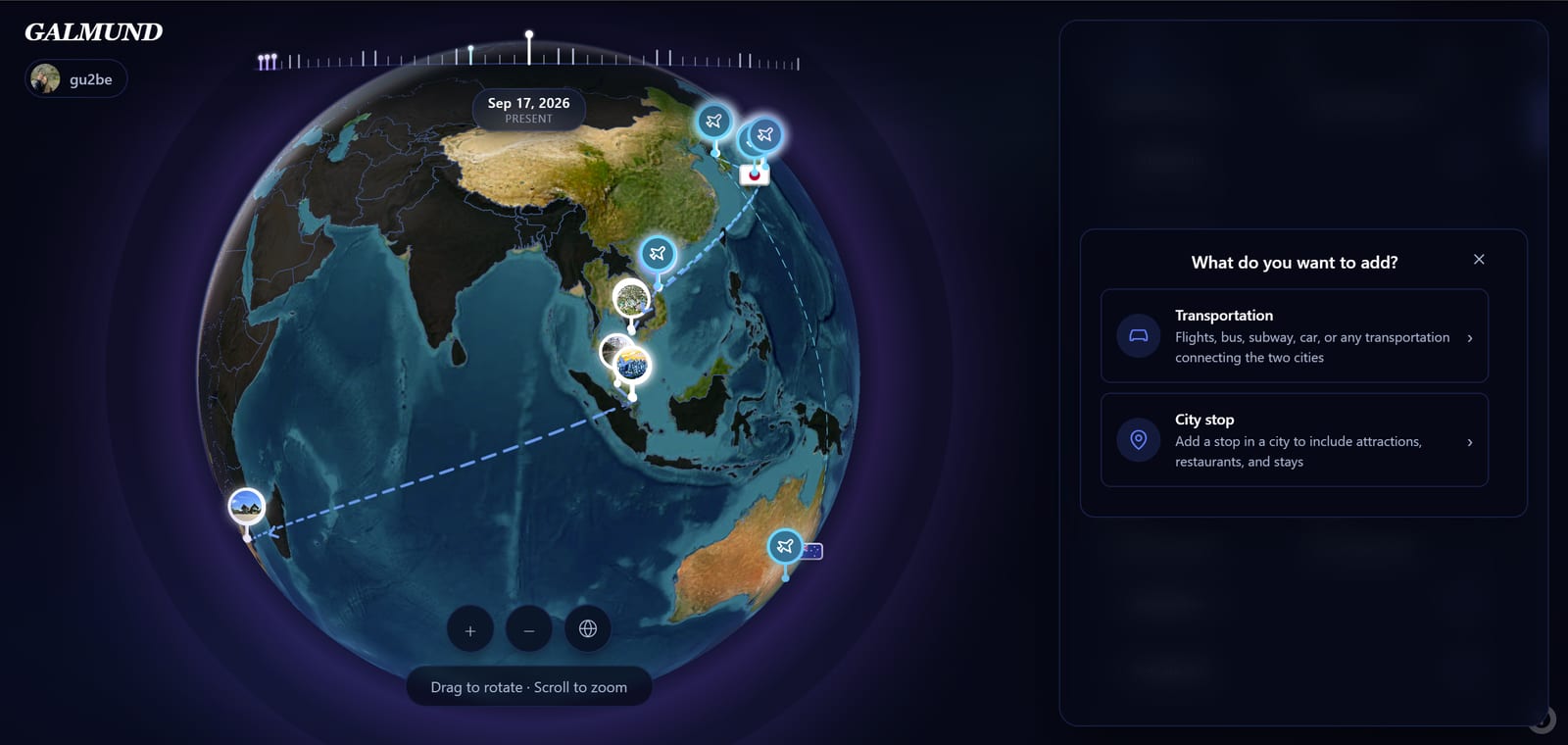
Pick one of the 8 transportation modes: Flight, Bus, Train and Metro, Car, Taxi, Walk, Bike, or Boat. The form's fields change depending on your pick.
Adding a flight
Flight is the only mode with its own form, asking for airport codes instead of a place search:
| Field | Example | Notes |
|---|---|---|
| Origin | GRU | 3-letter IATA airport code |
| Destination | NRT | 3-letter IATA airport code |
| Day | Day 1 | Which day of the trip this flight departs |
| Departure | 22:30 | Local departure time |
| Arrival | 18:45 | Local arrival time |
Optional fields: airline (e.g. LATAM, ANA, Emirates), flight number (e.g. LA8085), price, and notes.
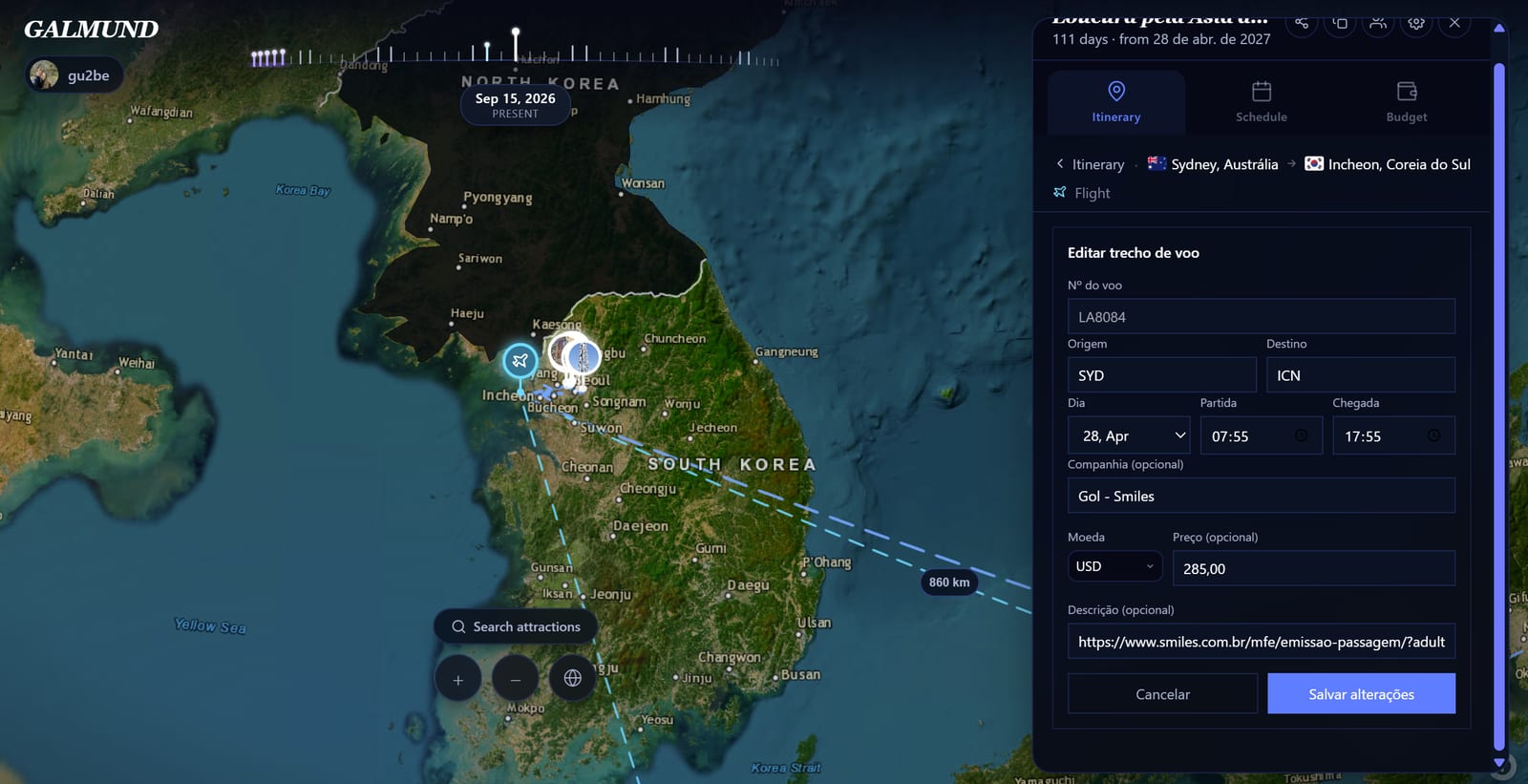
💡 Enter the flight number first: Galmund looks it up and auto-fills airline, origin, destination, and typical departure/arrival times. Double-check the filled-in times against your actual booking, since the lookup returns scheduled times, not your specific date.
Adding other transportation modes
Bus, train and metro, taxi, walking, bike, and boat all share the same simple form:
- From / To: search for the departure and arrival point (an address or station, not necessarily an airport)
- Day, Departure, and Arrival: same fields as flight
- Price: except for Walk segments, which have no price field
- Notes: any reminder
Car: cost from fuel consumption
Pick Car and you don't type a price directly. Instead you enter the vehicle's fuel consumption (km/L or miles/gallon, depending on your distance unit) and the fuel price. Galmund calculates the total cost from the segment's distance and adds it to your Budget automatically.
Saving and viewing on the map
Click Save to add the segment. It's added to your Schedule on the selected day and shows on the map connecting the two points. Flights specifically appear as a curved great-circle arc on the globe, the actual route a plane would fly.
💡 Add your return trip too, even if it's on the last day. It completes the visual story of your trip on the globe and helps with budget calculations.
Frequently asked questions
Where do I add a flight now? I can't find the Flights tab anymore.
There's no separate Flights tab anymore. Your itinerary shows each stop on the trip (starting from your Origin city) linked by a connector. Click "+ Add transport" on any connector between two stops to pick a transportation mode and fill in the details.
What transportation modes can I add besides a flight?
Flight, bus, train and metro, car, taxi, walking, bike, and boat. Each opens a slightly different form: flight asks for airport codes (IATA) and airline, the rest just ask for a departure and arrival point.
What is an IATA code?
IATA codes are 3-letter airport codes used worldwide. For example: GRU (São Paulo Guarulhos), NRT (Tokyo Narita), CDG (Paris Charles de Gaulle). You can find your airport's code on your booking confirmation. Only the flight form uses this kind of code.
How does cost calculation work for a car trip?
Instead of typing a price, you enter your vehicle's fuel consumption (km/L or miles/gallon) and the fuel price. Galmund calculates the total cost from the segment's distance and adds it to your Budget automatically.
Do I have to fill in flight origin, destination, and times by hand?
Not if you know the flight number. Type it in and Galmund looks it up to fill in airline, origin, destination, and typical times automatically. You can still adjust anything it fills in, and enter everything by hand if the lookup doesn't find it.